Small stamps, endless rhythm
Place shapes deliberately, one tap at a time.
Build a repeat with just one stamp shape, then use size and angle to make it feel less mechanical. The six available stamps are Flower, Leaf, Star, Sparkle, Dots, and Arch.
A result you can build toward
These are actual outputs of the studio’s drawing and repeat functions. They are reference compositions, not screenshots of physical products. Your hand-drawn marks will vary.
Download the reference tile ↓The download is the first example’s repeating unit, not the full preview. It opens in SVG-compatible applications; the studio does not import files.
01 / Set up your drawing
Choose Leaf, size 24, ink #345B45, background #FAF8F1, offset 0%, scale 85%, and pattern rotation 0°. Enter Stamp mode before placing shapes. Selecting a stamp alone does not draw it: tap the drawing square to place it.
02 / Make the example
Place a leaf in the upper third at a stamp angle of −25°. Change the stamp angle to 30° and place the next leaf near the opposite side. Add a smaller leaf at size 16 between them. Leave enough space that the silhouettes remain separate in the preview. Use ink 2 #BD704E for two small accent stamps rather than alternating colors at every placement.
03 / Compare and refine
Keep the individual stamp rotation control distinct from Pattern rotation. Stamp rotation sets the angle of the next stamp. Pattern rotation turns the whole drawn arrangement inside each repeating tile, including existing strokes and stamps. Set Pattern rotation to 30° briefly, then return it to 0° to compare the two effects.
If the result feels off
If all the leaves form a visible line, undo the last placement and vary its height. If a stamp is too large, Undo and place it again at a smaller size; there is no individual selection or resize tool. A tap adds one stamp, while dragging does not paint a continuous stamp trail. Switch back to Brush when you want to draw connecting stems.
Check the finished file
Try Flower with the same spacing, but start a fresh exported copy first because the studio keeps only one current canvas. A different silhouette may need more open space even at the same numerical size. The reference uses a deliberate size hierarchy: a few large anchors, several smaller supporting marks, and quiet paper between them.
Visual inspiration
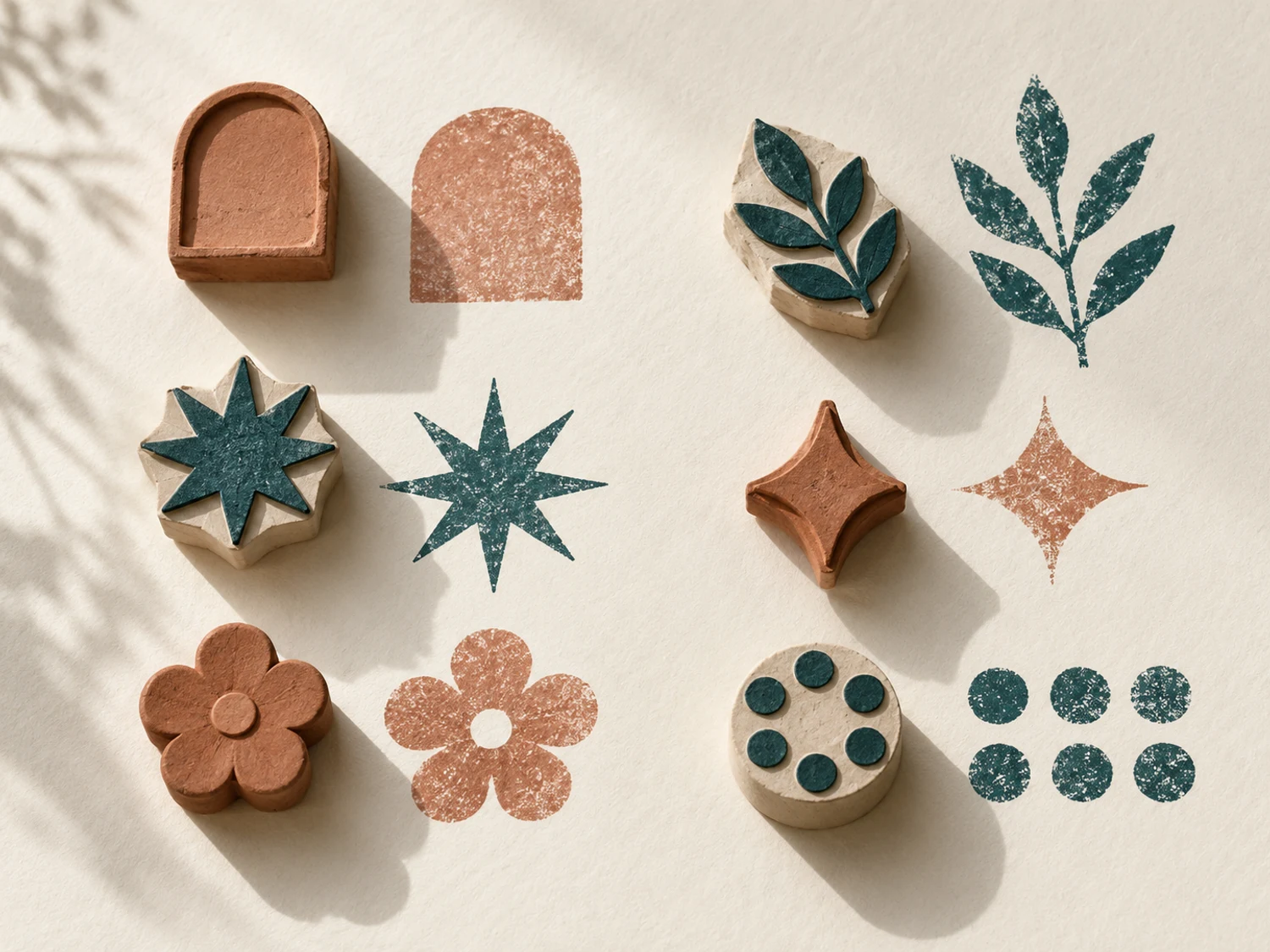
This AI-generated editorial image is a separate styling idea. Follow the studio-rendered examples above for achievable tool output. Physical materials and printing need your own tests.