Your first hand-drawn repeat
Start small and let repetition do the work.
Make a loose two-color repeat from three curved strokes and three leaf stamps. You will learn to judge the repeated surface rather than decorate one isolated square.
A result you can build toward
These are actual outputs of the studio’s drawing and repeat functions. They are reference compositions, not screenshots of physical products. Your hand-drawn marks will vary.
Download the reference tile ↓The download is the first example’s repeating unit, not the full preview. It opens in SVG-compatible applications; the studio does not import files.
01 / Set up your drawing
Start with Pen at size 8, ink 1 #345B45, ink 2 #BD704E, and background #FAF8F1. Set row offset to 0%, scale to 75%, and pattern rotation to 0°. Clear Canvas removes marks but keeps settings, so check those values explicitly.
02 / Make the example
Draw one short curve near the upper left, a second near the center, and a third near the lower right. Switch to Stamp, choose Leaf, and place one near each curve at size 22. Use the stamp rotation control for a different angle on each leaf. Select the second ink before adding two small accent strokes. Your hand-drawn curves will differ from the reference; that variation is welcome.
03 / Compare and refine
Inspect the square preview at its normal size, then tap it to enlarge it. Look for an accidental diagonal stripe through the leaves. Move nothing yet: undo the last stamp and place it a little farther from its neighbor. Compare again. Small changes matter more once a mark repeats across the whole surface.
If the result feels off
If the surface feels crowded, undo an accent or lower the stamp size for future marks. Changing Size does not resize marks already drawn. If you see a large hole, fill just that region with one small mark. Avoid filling every gap equally; a little open paper keeps the repeat readable.
Check the finished file
Download SVG before clearing the canvas. At 75% scale and no offset, the SVG is 300 × 300 units; a 2048 PNG selection gives a 1536 × 1536 pixel tile. The live preview shows many repeats, while the export contains one repeat unit. Open the exported file and tile it without extra spacing to inspect the joins.
Visual inspiration
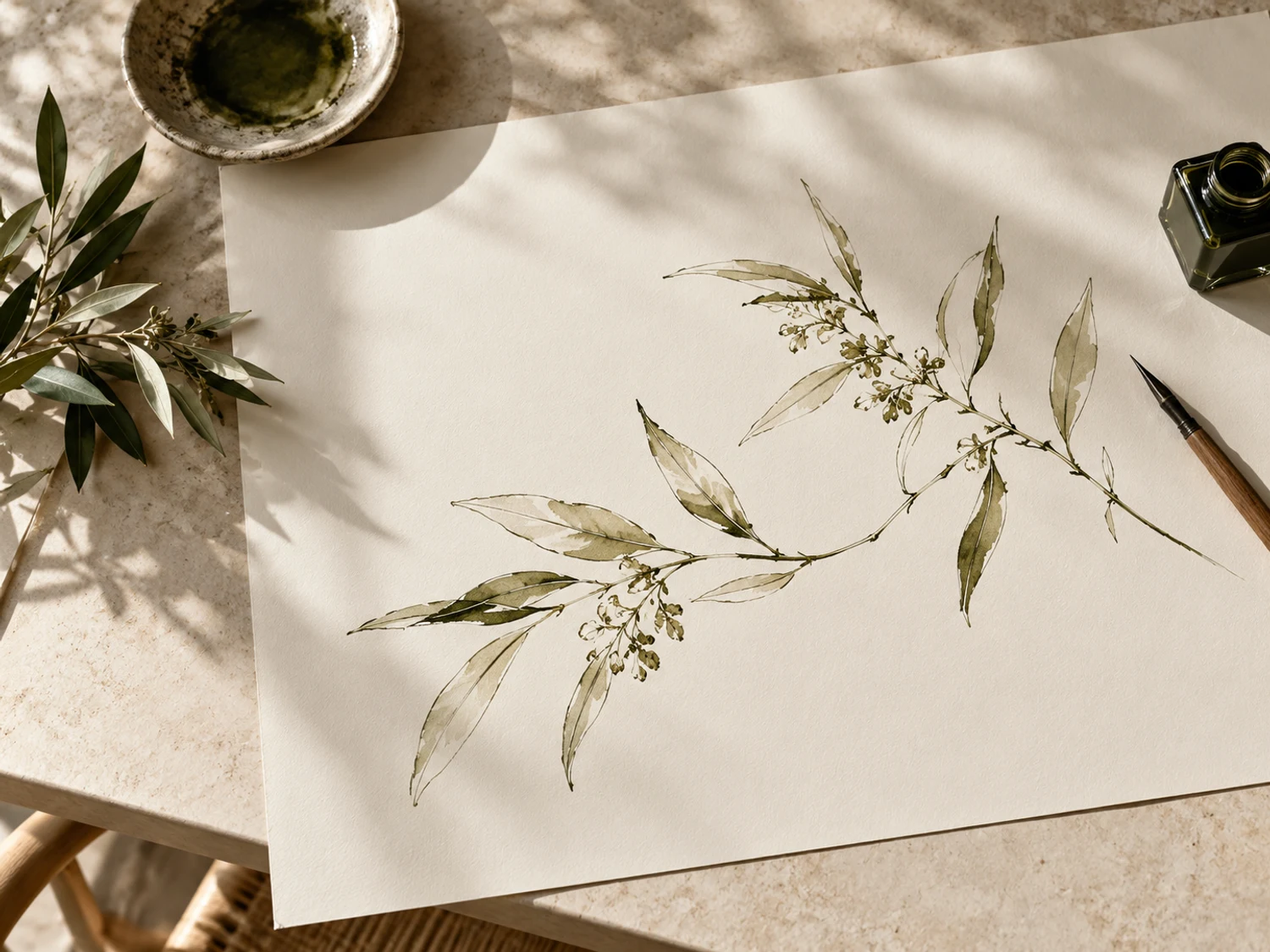
This AI-generated editorial image is a separate styling idea. Follow the studio-rendered examples above for achievable tool output. Physical materials and printing need your own tests.