Meet your three brushes
Three distinct ways to make a mark.
Compare Pen, Marker, and Pencil using the same simple curve. Brush choice changes the character of a mark; it does not change the way the repeat is constructed.
A result you can build toward
These are actual outputs of the studio’s drawing and repeat functions. They are reference compositions, not screenshots of physical products. Your hand-drawn marks will vary.
Download the reference tile ↓The download is the first example’s repeating unit, not the full preview. It opens in SVG-compatible applications; the studio does not import files.
01 / Set up your drawing
Choose a light background #FAF8F1 and a dark ink #345B45. Use scale 100%, offset 0%, and pattern rotation 0°. Start each comparison at size 12. The studio has three drawing brushes; stamps are a separate tool.
02 / Make the example
With Pen selected, draw a slow arch. Choose Marker and draw a similar arch beside it. Choose Pencil and draw a third. Pen makes a solid rounded line. Marker uses a translucent stroke, so overlapping separate strokes creates darker areas. Pencil builds the line from three fine, translucent paths. It is a stylized pencil effect rather than a scanned paper texture.
03 / Compare and refine
Now make one small patch with two separate marker strokes crossing. Compare the intersection with the ends. Try the same construction with Pen: the solid color gives a flatter result. Use Pencil for an airy line study and Pen when you want a motif that stays legible as the repeat becomes smaller.
If the result feels off
A pale marker is not necessarily a color-picker fault: transparency is part of that brush. Select a darker ink or use Pen for a solid result. If Pencil disappears at a small preview scale, increase the size for the next stroke or bring Scale closer to 100%. Size affects new strokes only. Undo and redraw if an existing stroke is too heavy.
Check the finished file
Export SVG and inspect the three lines in a compatible vector application. Export PNG if the receiving app does not preserve SVG transparency reliably. The reference below is rendered by the actual brush functions, so you can inspect the line character without mistaking an inspiration photograph for a studio export.
Visual inspiration
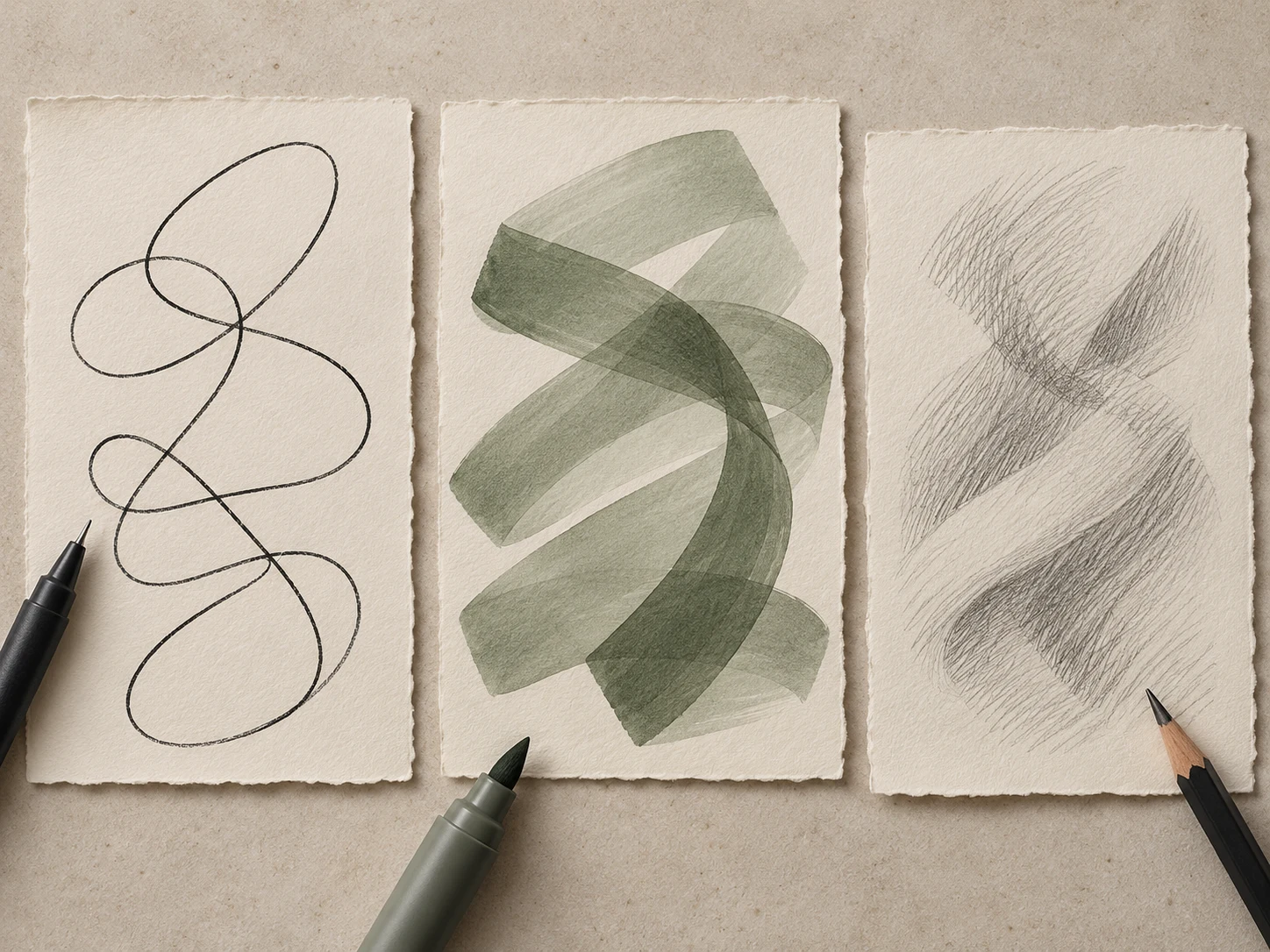
This AI-generated editorial image is a separate styling idea. Follow the studio-rendered examples above for achievable tool output. Physical materials and printing need your own tests.