A calm screen background
Give your screen a little personality without the clutter.
Create a calm screen background with enough open space for icons or a clock. The exported tile needs to be assembled or repeated to match your device; it is not automatically a full-screen wallpaper.
A result you can build toward
These are actual outputs of the studio’s drawing and repeat functions. They are reference compositions, not screenshots of physical products. Your hand-drawn marks will vary.
Download the reference tile ↓The download is the first example’s repeating unit, not the full preview. It opens in SVG-compatible applications; the studio does not import files.
A portrait background study
This digital composition is assembled from the reference artwork. It demonstrates the next layout step; it is not a photograph or a physical production test.
Download the layout study SVG ↓01 / Set up your drawing
Try small Sparkle stamps in #E5B65D and short Pen strokes in #557D9B on #F0E8DF. Start with offset 50%, scale 65%, and Pattern rotation 15°. Keep the contrast moderate and use no more than two ink slots for the first version.
02 / Make the example
Place four small motifs at uneven distances and check the enlarged preview for distracting bands. Download SVG or PNG. Create a document matching your device's wallpaper dimensions in an image or layout application, then repeat the tile without gaps. Preserve the exported 1:2 proportions if you enabled row offset.
03 / Compare and refine
Add a quiet region by reducing contrast behind the part of the layout where your icons or clock will sit. That masking or overlay step happens in your image application. Compare a warmer background with a cooler one while keeping the pattern unchanged. A background that looks charming in isolation may feel busy once labels and app icons are placed above it.
If the result feels off
If the wallpaper looks soft, check the final assembled image dimensions rather than just the tile dimensions. A 1024-pixel repeat can be repeated across a larger image without stretching each instance. If your device crops the edges or shifts the image, leave important content away from the outer border and inspect the actual lock or home screen preview.
Check the finished file
Export the completed device-sized layout as PNG and test it on your own screen. Check clock visibility, icon labels, and both light and dark interface elements. Device cropping and parallax behavior vary, so no single canvas size fits every phone or computer. Keep the original repeat so you can rebuild a landscape or portrait version later.
Visual inspiration
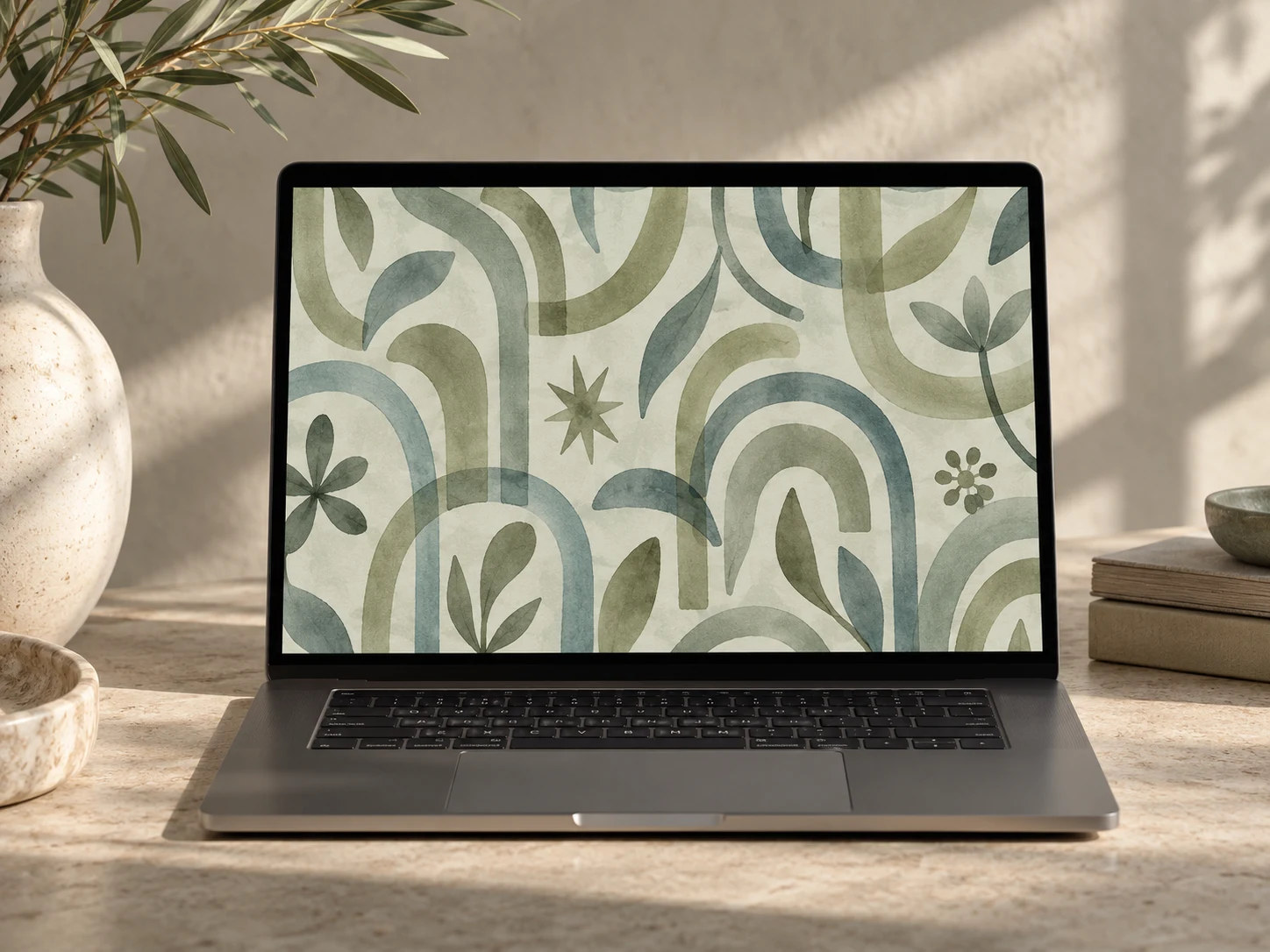
This AI-generated editorial image is a separate styling idea. Follow the studio-rendered examples above for achievable tool output. Physical materials and printing need your own tests.