A small patterned bookmark
Turn a few marks into something useful.
Turn a repeat into a small patterned bookmark while keeping the narrow format readable. A simple design often works better here than a miniature version of a very detailed surface.
A result you can build toward
These are actual outputs of the studio’s drawing and repeat functions. They are reference compositions, not screenshots of physical products. Your hand-drawn marks will vary.
Download the reference tile ↓The download is the first example’s repeating unit, not the full preview. It opens in SVG-compatible applications; the studio does not import files.
Three bookmarks on one A4 sheet
This digital composition is assembled from the reference artwork. It demonstrates the next layout step; it is not a photograph or a physical production test.
Download the layout study SVG ↓01 / Set up your drawing
Choose Leaf stamps in #345B45 and small Dots in #BD704E on #FAF8F1. Start with Leaf size 20, Dots size 8, offset 0%, scale 90%, and Pattern rotation 0°. Two or three leaf groups are enough for the first drawing.
02 / Make the example
Export the repeat, then create a 2 × 6 inch rectangle in a layout application as a starting size. Repeat the tile across that shape and clip it to the rectangle. The downloadable layout study below uses this starting size; check actual-size output before cutting. Try placing a 2-inch-wide tile across the bookmark so the motifs have room to read.
03 / Compare and refine
Make a second layout with a larger motif scale. Compare both at actual size: the best version is the one whose shapes remain distinct when held at reading distance. If you want a name or short phrase, add a quiet solid panel and text in the layout application. Keep that panel away from the trim edge.
If the result feels off
If thin marks disappear in print, use a heavier Pen size for new strokes or increase the physical motif size. If the result feels like a narrow accidental crop, shift the pattern inside the clipping rectangle until the leaf groups sit comfortably. Avoid stretching the tile to fit the rectangle; repeat and crop it while preserving its original proportions.
Check the finished file
Print one proof on a stock your printer supports and cut it with an appropriate ruler and cutting tool. If adding a hole or tassel, plan extra clear space near the top and test the material first. The studio reference below shows the pattern, not a physically tested finished bookmark. Save the bookmark layout separately so you can place several copies on one sheet later.
Visual inspiration
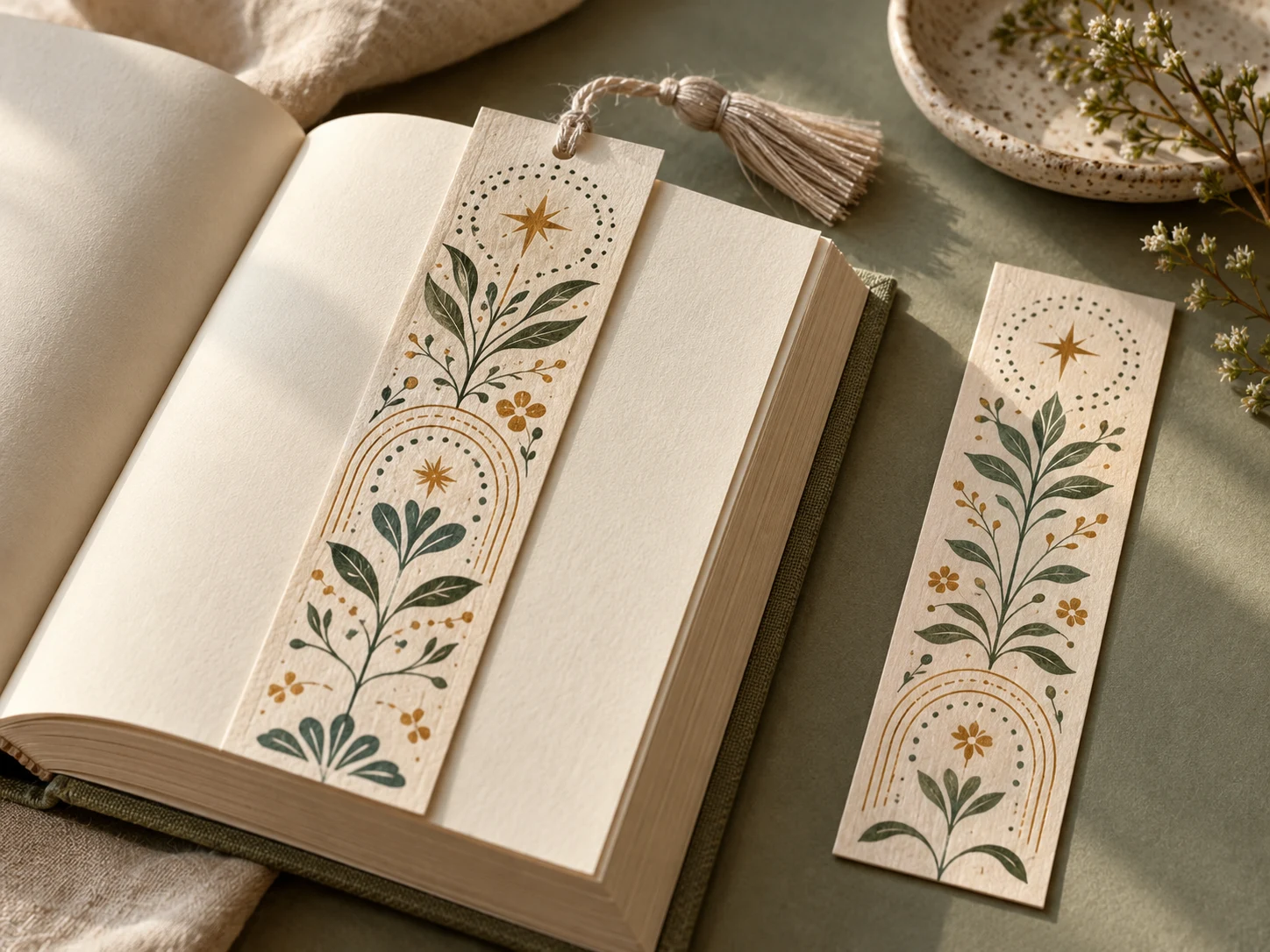
This AI-generated editorial image is a separate styling idea. Follow the studio-rendered examples above for achievable tool output. Physical materials and printing need your own tests.